
How to restrict what children watch on YouTube: WhitelistVideo adds pause
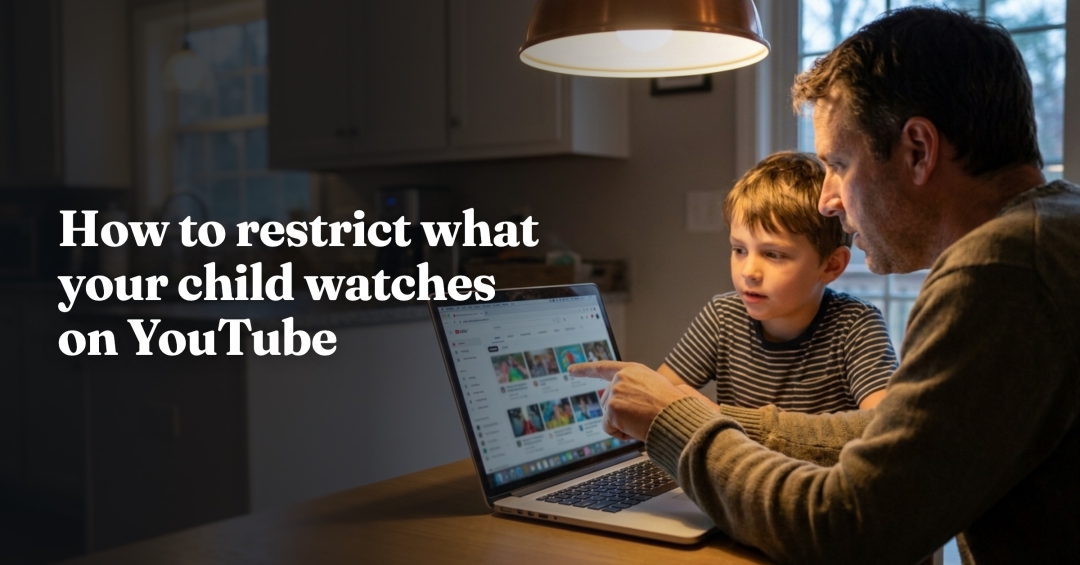
Bengaluru, India – September 26, 2026 – For parents searching “how to restrict what your child watches on YouTube”, WhitelistVideo, the YouTube parental control made by StayBoba, today detailed two controls it has added recently, a per-child YouTube pause and parent-controlled YouTube search blocking, together with its Playables blocking. Each works alongside WhitelistVideo’s core rule that only channels a parent approves will play.
Per-child YouTube pause
Since late August, parents can pause YouTube for one child from the dashboard, on Android and iOS, while each sibling keeps their own settings.
Playables blocking
Parents can also block YouTube Playables, the games YouTube offers inside its app and website. The “Block Playables” setting in the parent dashboard hides the Playables mini-games hub.
Search blocking
Parent-controlled YouTube search blocking reached the Chrome extension and the iPhone and iPad app on 24 September. With search switched off, the child watches approved channels without searching for new videos. Version 1.4.8 of the iOS child app, released that day, also adds real-time viewing for parents. On 11 and 12 September, parents gained live viewing history and a “currently watching” view, Insights gained new sections, and search history is deleted automatically after 30 days.
How these fit with YouTube’s own tools
YouTube’s built-in options each work in one place. Supervised account settings, managed through Google Family Link, follow the signed-in account. Restricted Mode is saved per browser or app. YouTube Kids is a separate app designed for children up to 12, with an “Approve content yourself” setting. Device controls such as Apple Screen Time, Google Family Link and Microsoft Family Safety set time limits and app rules.
WhitelistVideo is built primarily for children aged 8 to 15 who have outgrown YouTube Kids. Every video is blocked by default, approved channels play on real YouTube, and Shorts are off by default. The controls apply whether or not the child is signed in to YouTube, and a channel approved once plays on every device the child uses. WhitelistVideo + Screen Time on iPhone, iPad and Mac, WhitelistVideo + Family Link on Android and WhitelistVideo + Family Safety on Windows can each be removed only with the parent’s credentials. Setup takes a few minutes per device.
“I don’t think most parents are trying to take YouTube away; I think they’re trying to keep the good parts and lose the rest,” said Arul Prakash, founder of WhitelistVideo. “What I’ve learned building WhitelistVideo is that filters guess, and parents know. When you choose the channels together with your child, the conversation changes from ‘what are you watching?’ to ‘what should we add next?’, and that is a much better conversation to be having.”
WhitelistVideo’s overview of YouTube parental controls is at https://whitelist.video/youtube-parental-controls
About The Company
WhitelistVideo is a YouTube parental control made by StayBoba, founded in 2024. It blocks every YouTube video by default and plays only the channels a parent approves, with Shorts off by default, and its controls apply even when a child is not logged in to YouTube. Built primarily for children aged 8 to 15, and usable by younger children too, it runs on Windows, Mac, Chromebook, iPhone, iPad, Android and Android TV / Google TV. Its mission is to let families keep the good parts of YouTube while parents decide which channels play (https://whitelist.video).
Media Contact
Company: StayBoba, Contact: Arul Prakash, Email: [email protected], Whatsapp: +91 72049 74747, Website: https://whitelist.video
Media Contact
Company Name: StayBoba
Contact Person: Arul Prakash
Email: Send Email
Phone: +91 72049 74747
Country: India
Website: https://whitelist.video


